
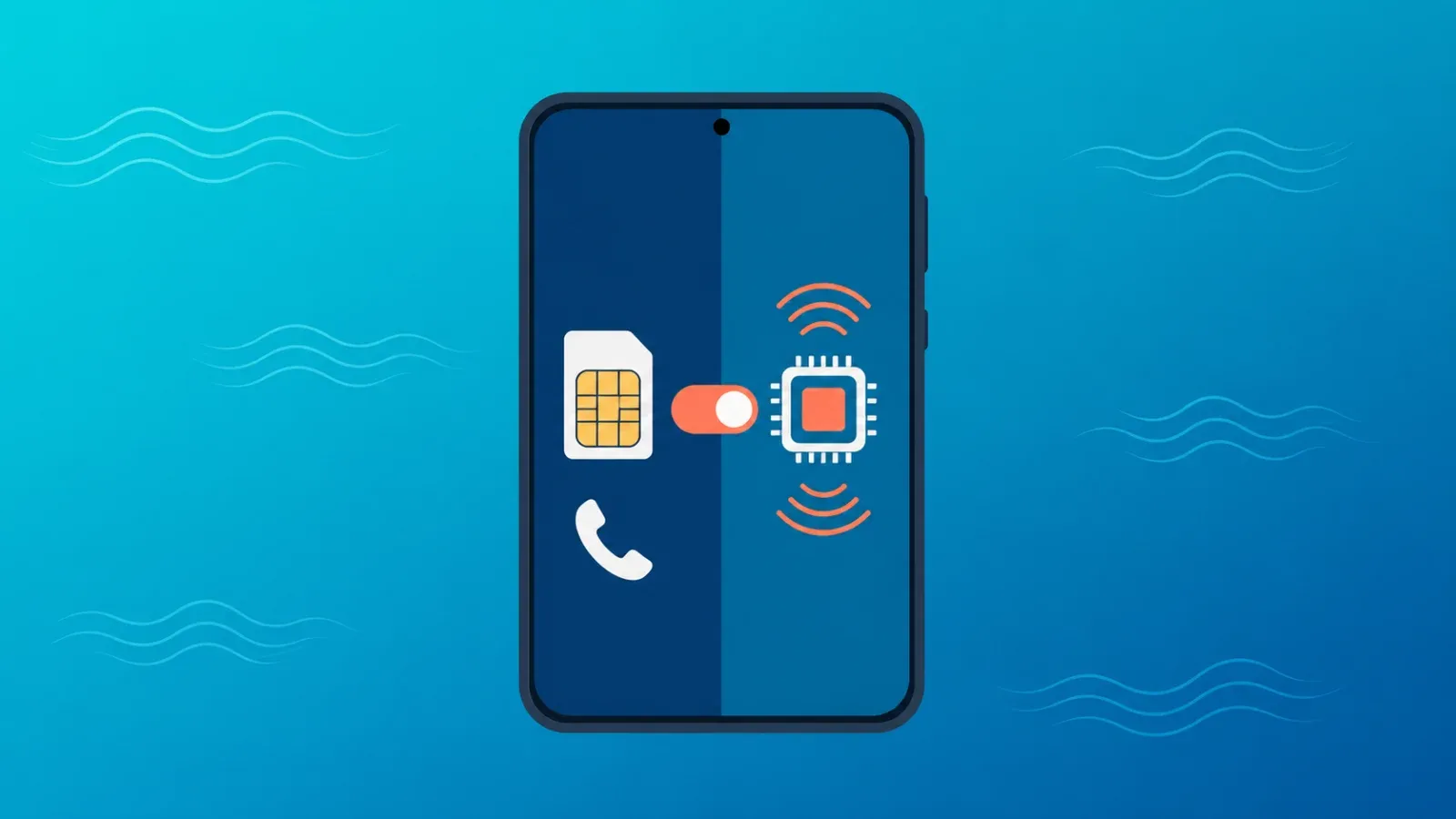
Here is the short answer for anyone wondering how to stay connected abroad without losing their phone number: use a dual SIM setup — your home SIM stays active as the primary line (with data roaming switched off), while a travel eSIM handles all of your mobile data. You keep receiving calls and SMS verification codes on your usual number, your banking apps keep working, and your data flows through an affordable travel eSIM instead of expensive roaming. This guide walks you through the exact configuration, step by step, for both iPhone and Android.
The winning dual SIM configuration at a glance
Most modern smartphones can keep two lines active at the same time and let you assign a different job to each. For international travel, the division of labor should look like this:
- Primary line (your home SIM): line stays ON, data roaming stays OFF. It exists purely to receive calls and SMS, including two-factor authentication codes.
- Secondary line (travel eSIM): set as your mobile data line. Every app, map, and browser tab uses this connection.
| Role | Line | Settings | Handles |
|---|---|---|---|
| Primary | Home SIM or eSIM (your regular carrier) | Line ON, data roaming OFF | Incoming calls, SMS and verification codes |
| Secondary | Travel eSIM (e.g. Coral eSIM) | Set as mobile data line, data roaming ON for this line | Maps, social media, messaging, browsing — all data |
New to eSIM technology entirely? Start with our primer on what an eSIM is and how it works.
Why this beats every alternative
Three reasons. First, your number stays alive. Banks, payment apps, and government services send one-time codes to your home number; if you pull your SIM out and swap in a local one, those codes have nowhere to land. Second, you avoid roaming data charges. Carrier roaming for data tends to be the most expensive way to get online abroad — see our full comparison of international roaming vs. travel eSIMs. Third, no SIM swapping. Nothing to lose, nothing to fumble with at the airport.
If you want the strategic overview of every way to keep your number while abroad — call forwarding, Wi-Fi calling, porting to a VoIP service and more — read how to keep your phone number while traveling. This article is the hands-on companion to that one: it focuses purely on the dual SIM configuration itself.
Dual SIM setup on iPhone
Before you leave
- Confirm your iPhone is carrier-unlocked (Settings → General → About → Carrier Lock should say "No SIM restrictions").
- Buy a travel eSIM for your destination and install it (Settings → Cellular → Add eSIM). Our travel eSIM setup guide covers this with screenshots.
- Rename the new line to something obvious like "Travel" so you never mix the two up.
After you land
- Open Settings → Cellular and turn the travel eSIM line ON.
- Set Cellular Data → travel eSIM. Leave "Allow Cellular Data Switching" OFF — if it is on, your phone may quietly route data through your home line.
- Keep Default Voice Line → your home SIM.
- Tap your home line and verify Data Roaming is OFF (but leave the line itself on).
- Tap the travel eSIM and turn Data Roaming ON — most travel eSIMs connect to local networks as roaming partners, so this switch must be on for that line.
Dual SIM setup on Android
Menu names vary by manufacturer, but the logic is identical. On a Pixel it lives under Settings → Network & internet → SIMs; on a Galaxy, Settings → Connections → SIM manager.
- Install and enable the travel eSIM.
- Set Mobile data (preferred data) → travel eSIM.
- Set Calls and SMS default → home SIM.
- Turn data roaming OFF on the home SIM and ON for the travel eSIM.
- If the eSIM won't connect, check the APN settings and toggle airplane mode — our eSIM troubleshooting guide walks through the fixes in order.
How your apps behave with this setup
The question everyone actually cares about: will my banking app, WhatsApp, and two-factor codes still work? Here is the breakdown.
| App / auth method | Behavior abroad | Notes |
|---|---|---|
| WhatsApp, LINE, Telegram | Work normally over the travel eSIM's data | No re-verification needed as long as you keep the same number and device |
| Banking apps (in-app approval) | Data only — works fine | Push-notification or biometric approval needs no SMS at all |
| SMS one-time codes | Arrive on your home number (primary line) | Some carriers require roaming service to be enabled on your account for SMS delivery abroad; receiving fees vary by carrier — check your carrier's official site |
| Authenticator apps (Google Authenticator, etc.) | Generate codes even offline | The most travel-proof form of 2FA — set it up before you go where possible |
| Incoming voice calls | Ring on your home line while roaming is active | Answering calls abroad usually incurs roaming voice charges — verify rates with your carrier |
One crucial distinction: "data roaming OFF" only blocks data. It does not switch off the line itself. SMS and incoming calls generally still work with data roaming off, but your carrier may require international roaming to be activated on your account first. Confirm this before departure — it takes two minutes and saves a world of pain.
What to check with your carrier before flying
Exact prices change constantly, so rather than quoting numbers, here is the checklist. Always confirm current terms on your carrier's official website.
- Is international roaming enabled on your account, or does it require a separate opt-in?
- What does it cost to receive an SMS abroad? (Often free, but carrier-dependent.)
- What are the per-minute rates for receiving calls in your destination?
- Does your plan have any anti-bill-shock caps or daily roaming passes that could auto-activate?
- If you use Wi-Fi Calling, does your carrier support it abroad, and how does it bill?
With your home line's data roaming off and all data routed through the travel eSIM, the risk of surprise charges on your main account drops dramatically — that is the whole point of this configuration.
FAQ: common mistakes and how to avoid them
Can I just delete or disable my home SIM while traveling?
Never delete it, and avoid disabling it. Deleting a primary eSIM can require a reissue process that is difficult or impossible to complete from abroad. Disabling the line means no SMS and no calls — which defeats the purpose. The correct state is: line on, data roaming off.
Why not swap in a local physical SIM and keep my number "on file"?
If your phone has a single SIM slot, removing your home SIM means verification codes and calls cannot reach you at all while it is out. With dual SIM, both lines coexist — no trade-off required.
My SMS codes are not arriving. What do I check?
In order: (1) the home line is toggled on, (2) international roaming is activated on your carrier account, (3) toggle airplane mode to re-register on the network, (4) manually select a network in cellular settings. Still stuck? See the full troubleshooting guide.
Can I still be hit with roaming charges with this setup?
Data charges on your home line: essentially no, as long as its data roaming stays off. Voice calls you answer, however, are billed at roaming rates. If in doubt, let unknown calls go to voicemail and return them over a data-based app.
What do I do when I get home?
Switch mobile data back to your home SIM and delete (or simply disable) the used travel eSIM. Next trip, buy a new plan and repeat the same five steps.
Set it up once, use it everywhere
"Home SIM for identity, travel eSIM for data" is a pattern you learn once and reuse in every country you ever visit. Coral eSIM covers 180+ countries and regions, and your plan is ready to install the moment you purchase — so you can complete the whole setup at home and land already connected. Browse Coral eSIM plans for your destination.
