
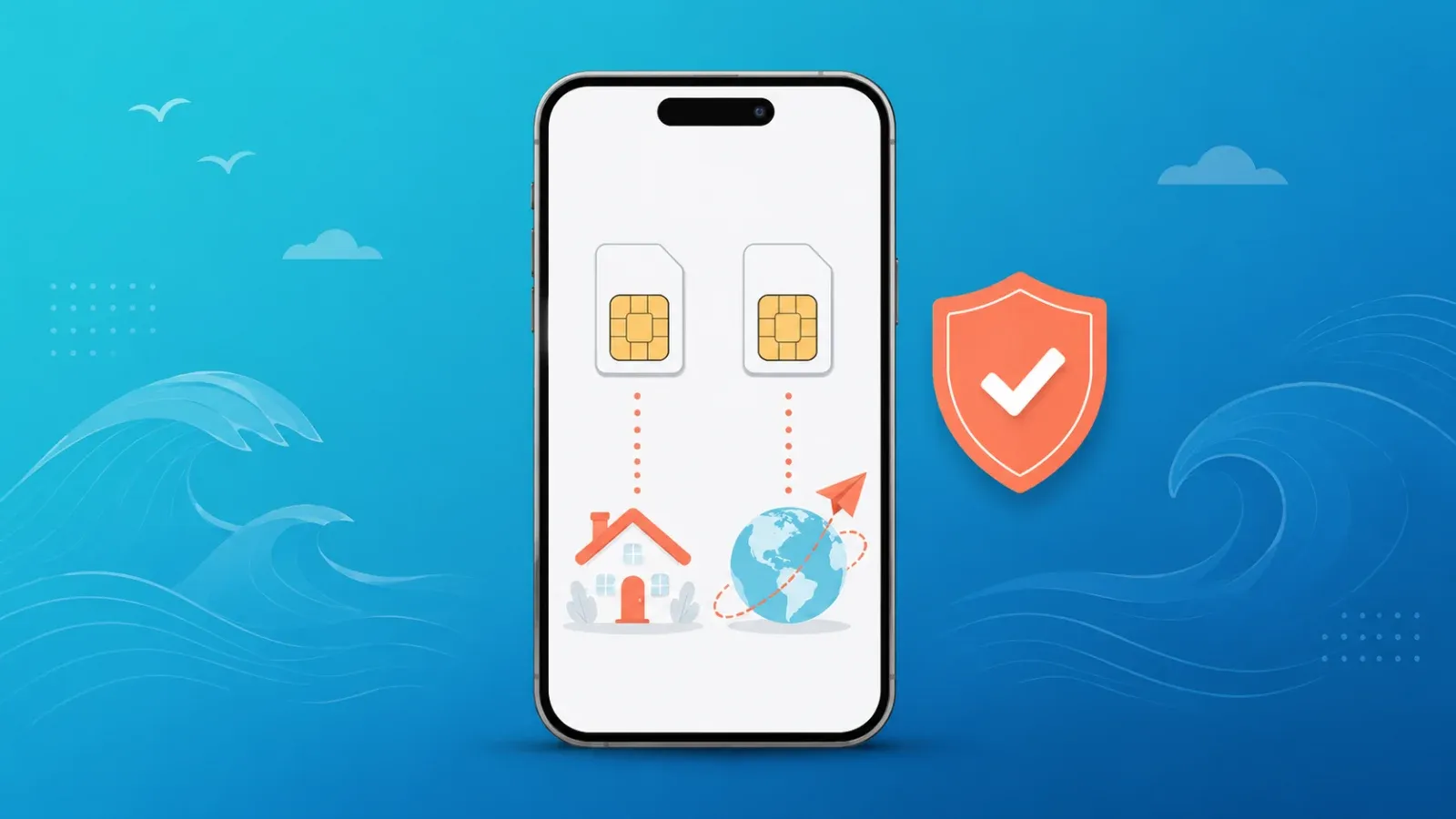
Yes, you can keep your phone number while traveling abroad — and you don't need to pay for expensive roaming data to do it. Keep your home SIM active in your phone with data roaming switched off, add a travel eSIM as your data line, and your number keeps working for calls, SMS, and two-factor authentication codes. This dual-SIM setup takes about ten minutes and works on almost every recent iPhone and Android phone.
In this guide we'll compare the three main ways to keep your number depending on how long you're away, walk through the exact dual-SIM settings for iPhone and Android, and show how banking apps, WhatsApp, and 2FA codes actually behave once you're overseas.
Why your home number matters more than ever in 2026
Your phone number is no longer just for calls. It's the key to your digital life:
- Bank and card verification: most banks send one-time SMS codes to approve logins and payments, and many will lock you out if the code never arrives.
- 2FA while traveling: email providers, government portals, crypto exchanges, and workplace tools often fall back to SMS verification.
- WhatsApp, Telegram, and messaging apps: your account is tied to your number, even though the apps themselves run over data.
- Deliveries, bookings, and contacts back home still reach you at the number they already have.
Losing access to that number mid-trip — or worse, letting it lapse during a long stay abroad — can turn into hours of account-recovery pain. The good news: keeping it is mostly a settings problem, not a money problem.
Three ways to keep your number, compared by trip length
| Method | Best for | How it works | Watch out for |
|---|---|---|---|
| Dual SIM: home SIM + travel eSIM | 1 week to ~3 months | Home SIM stays in the phone for calls/SMS; a travel eSIM handles all data | Turn data roaming off on the home line; check your carrier's rules on receiving SMS abroad |
| Downgrade to a minimal plan | 1–12 months | Switch your home line to the cheapest plan that keeps the number active, then use it dual-SIM style | Contract terms and minimum periods vary — confirm on your carrier's official site |
| Port your number to a VoIP service (e.g., Google Voice) | Long-term travel or relocation | Move the number to an internet-based service so it works anywhere over Wi-Fi or data | Some banks and services reject VoIP numbers for SMS 2FA — test your critical accounts before you leave |
For a typical vacation or a trip of a few weeks, the dual-SIM option wins on every axis: nothing to cancel, nothing to port, and your number behaves exactly as it always has. If you're new to eSIM itself, start with our primer on what an eSIM is and how it works.
The dual-SIM travel setup, step by step
The principle is simple: your home SIM stays on for identity, your travel eSIM does all the data. Set it up before you fly, while you still have easy access to your carrier and home Wi-Fi.
iPhone (iOS 17 and later)
- Install your travel eSIM: Settings → Cellular → Add eSIM, then scan the QR code or use the activation link from your provider.
- Label the lines clearly (e.g., "Home" and "Travel Data") under Settings → Cellular.
- Set Cellular Data to your travel eSIM.
- Keep Default Voice Line on your home SIM so calls and SMS still use your number.
- Tap your home line → turn Data Roaming OFF. This is the single most important step for avoiding surprise charges.
- Tap your travel eSIM line → turn Data Roaming ON (travel eSIMs typically need this to connect — it doesn't cost extra on a prepaid plan).
- Turn OFF "Allow Cellular Data Switching" so the phone never quietly falls back to your home line for data.
Android (Pixel, Galaxy, and most recent models)
- Settings → Network & internet → SIMs → Add eSIM (menu names vary slightly by manufacturer).
- Set your travel eSIM as the Mobile data SIM.
- Keep your home SIM as the default for Calls and SMS.
- Open your home SIM's settings and switch Roaming OFF.
- Open the travel eSIM's settings and switch Roaming ON.
For screenshots and model-specific quirks, see the full walkthrough in our dual-SIM setup guide for travelers.
Will you actually receive SMS abroad? App-by-app behavior
One important nuance: to receive SMS overseas, your home line needs to register on a local network, which counts as roaming for voice and SMS (separate from data roaming). Many carriers don't charge for simply receiving texts abroad, but policies differ — check your carrier's official roaming page before you leave. Here's how the most common services behave with the dual-SIM setup:
| Service | Works abroad with this setup? | Notes |
|---|---|---|
| Bank SMS codes | Yes, in most cases | Codes arrive on your home line. A few banks restrict codes to domestic networks — test a login before departure |
| Yes | Runs entirely over data via your travel eSIM; your number is only its ID. No SMS needed unless you re-register | |
| Authenticator apps (Google Authenticator, etc.) | Yes, always | Generate codes offline — no SIM or signal required. Set these up as your primary 2FA where possible |
| Incoming calls | Yes | Ring on your home number; answering usually incurs roaming voice rates — let non-urgent calls go to voicemail or call back over an app |
| Outgoing SMS/calls on home number | Possible but costly | Billed at roaming rates; use messaging apps over data instead |
If a verification code refuses to arrive, don't panic — there's usually a fix. We've collected the common causes and solutions in how to receive SMS verification codes while using an eSIM.
The long-term option: parking your number with Google Voice
If you're leaving for a year or relocating, paying a monthly plan just to keep a number gets old. US readers have a popular alternative: port your number to Google Voice (a one-time fee applies — see Google's official page for current terms). Your number then lives in the cloud, and calls and texts reach you over any data connection worldwide, including your travel eSIM.
Two caveats worth knowing:
- Not all 2FA systems accept VoIP numbers. Some banks silently fail to deliver codes to Google Voice. Before porting, switch your critical accounts to an authenticator app or confirm they work with VoIP.
- Porting cancels your carrier plan. Make sure the number is fully paid off and unlocked from any contract obligations first — confirm details with your carrier.
Similar number-parking services exist in other countries; search for "number parking" plus your carrier's name and verify on official sites.
Pre-departure checklist
- Switch critical accounts to authenticator-app 2FA where possible
- Confirm your phone is carrier-unlocked and eSIM-compatible
- Install and label your travel eSIM before you fly
- Home line: data roaming OFF. Travel eSIM: data roaming ON
- Test one bank login and one WhatsApp message on the new setup
- Note your carrier's rates for receiving SMS and calls abroad (official site)
FAQ
Does keeping my home SIM active abroad cost money?
With data roaming off, your home line sits idle most of the time. Receiving SMS is free on many carriers, while answering calls usually isn't. Exact policies vary, so check your carrier's official roaming page — but for most travelers the cost of this setup is close to zero beyond the travel eSIM itself.
Can I do this if my phone only has one SIM slot?
If your phone supports eSIM, you already have a second "slot" — the physical SIM and eSIM run side by side. Phones without eSIM support and with a single physical slot can't run this setup; consider a VoIP port or an authenticator-app migration instead.
Will WhatsApp stop working if I put in a new eSIM?
No. WhatsApp stays tied to the number you registered with, regardless of which SIM provides data. Don't tap "change number" and you're fine.
What if my bank's SMS code never arrives abroad?
First confirm your home line shows a roaming network indicator. If it does and codes still fail, use your bank's in-app approval or authenticator option, or contact support. Some banks can push codes via email as a fallback.
Is airplane mode with Wi-Fi enough to keep my number?
Your number stays yours, but you won't receive SMS or calls in real time while the line is offline. The dual-SIM approach keeps the line reachable without the roaming-data risk.
Get data sorted before you board
The other half of this setup is a reliable travel eSIM. Coral eSIM covers 180+ countries and regions, and your plan is ready to set up the moment you purchase — install it at home, flip it on when you land, and your home number keeps doing its job alongside it. Browse Coral eSIM plans for your destination.
