
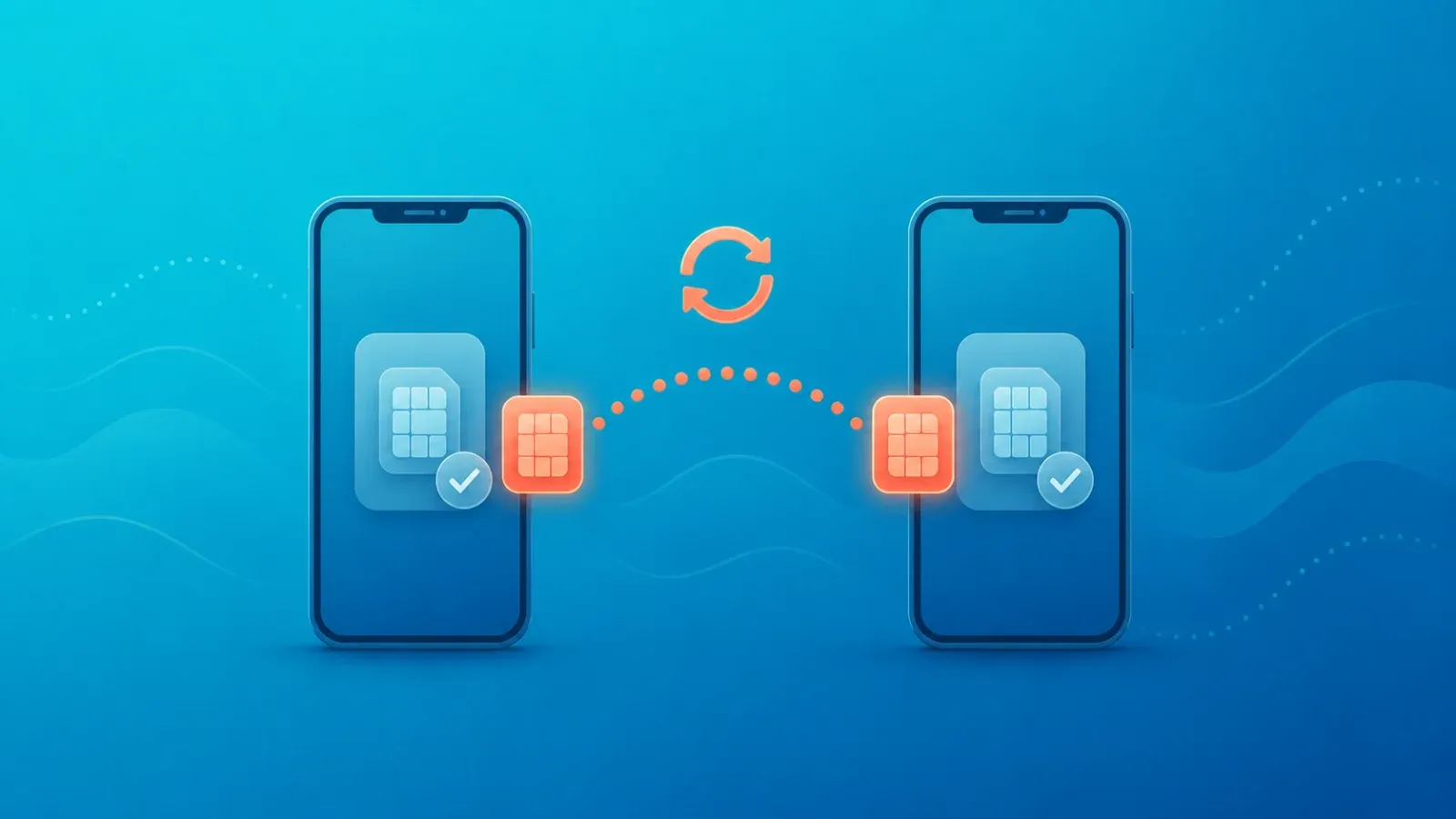
Whether you can move an eSIM to a new phone depends entirely on what kind of eSIM it is. A carrier eSIM — the one tied to your monthly plan and phone number — can usually be transferred between devices or reissued by your carrier. A travel eSIM, the prepaid data plan you bought for a trip, is a different animal: some providers allow a reinstall on a new device, some allow it only once, and some do not allow it at all. Do not delete the profile from your old phone until you have confirmed which category you are dealing with.
This is the part that catches travellers out. Almost every guide about moving an eSIM to a new phone is written about carrier plans, because that is the mainstream case. If you apply that advice to a prepaid travel eSIM, you can permanently lose data you already paid for. Here is how to think about it in 2026.
Carrier eSIM vs travel eSIM: not the same thing
Both are eSIMs in the technical sense — a digital profile written into your phone's embedded SIM chip instead of a plastic card. But the commercial relationship behind them is completely different, and that is what decides whether a transfer is possible.
| What you are comparing | Carrier eSIM (your home plan) | Travel eSIM (prepaid data) |
|---|---|---|
| What it gives you | A phone number, calls, texts and data on a monthly contract | Data in your destination country, usually data-only |
| Device-to-device transfer | Often supported, either on-device or through the carrier | Depends on the provider — some allow it, some do not |
| Reissue of the profile | Normally available to the account holder | Depends on the provider; may be limited, conditional or chargeable |
| Who you contact | Your carrier's support or store | The provider you bought the eSIM from |
| How they identify you | Account holder verification | Usually the purchase email address and order number |
| Cost of getting it wrong | You lose your number temporarily | You lose paid data and have no connectivity abroad |
The single most important line in that table is "depends on the provider". There is no universal rule for travel eSIMs. Some plans are bound to the first device that installs them. Some allow a fixed number of reinstalls. Some treat a device change as a support case and reissue a new activation code. The only authoritative source is the terms and the help centre of the company you bought from, so check their official site for the current policy.
What to do before you change phones
Sequence matters more than anything else here. Once a profile is deleted from the old device, your options narrow sharply.
- Do it when you are not travelling. Changing phones mid-trip means that if something goes wrong, you lose the connection you would need to fix it. Do this at home, on Wi-Fi, before departure.
- Ask before you delete. Contact the provider and ask directly: can this plan be moved to another device, is there a fee, and is there a limit on reinstalls? Asking after deletion is often too late.
- Keep the QR code and the manual details. Many activation QR codes can only be scanned once. Equally, do not assume yours will still work — only the issuer knows. Keep the original purchase email, and save the manual entry details (the SM-DP+ address and activation code) somewhere other than the phone itself.
- Confirm the new phone supports eSIM and is unlocked. See eSIM device compatibility and why your phone needs to be unlocked.
- Plan for your phone number separately. A data-only travel eSIM will not receive texts sent to your home number. Keeping your number while travelling covers the options.
If your phone breaks or you switch devices mid-trip
Dropped, drowned, stolen, or simply replaced while abroad — this is the scenario where preparation pays off. A practical order of operations:
- Get on Wi-Fi first. Every recovery path — contacting support, receiving a new QR code, installing a profile — needs an internet connection. Hotels, airports and cafes are your friends.
- Find your order number. Providers identify your purchase by email address and order reference. If that email lives in a cloud mailbox, you can reach it from a laptop or a borrowed device.
- Tell support exactly what happened. "My device is unusable and I need to install this plan on a different phone" gets you to the right process faster than a vague fault report. Whether they can reissue depends on their policy.
- Have a backup line. Running a travel eSIM alongside a physical SIM means one failure does not leave you with nothing. See dual SIM setups for travel.
- Rule out a settings problem. If a newly installed profile shows no service, it is frequently configuration rather than hardware — eSIM activation failed walks through the usual causes.
About the built-in transfer features
Modern phones do include tools for moving an eSIM. On iPhone, the mobile data section of Settings offers a way to transfer an eSIM to a nearby iPhone. On Android, some models can carry an eSIM across during the initial setup and data transfer flow.
Two caveats. First, the exact menu names and their location vary by model and OS version — the names above are representative examples, not a guarantee of what you will see on your device. Second, and more importantly, the feature working is not only about your phone. The profile issuer has to permit the transfer. A travel eSIM can be technically visible to the transfer tool and still refuse to move, because the plan is bound to the original device. Assuming "my phone has a transfer button, so any eSIM will move" is the most common way people lose a travel plan.
What to check before you buy
Most of this pain is avoidable at purchase time. When comparing travel eSIM plans, look for:
- The reissue policy. If your device changes or is lost, can the plan be reissued, and at what cost?
- Installation limits. One install only, or a limited number of reinstalls under certain conditions?
- Support channels and hours. You may be contacting them from a very different time zone, so chat or email coverage matters.
- How validity is counted after a reissue. Related reading: eSIM expiry and validity periods.
These terms differ between companies, so check each provider's official site for the current details rather than relying on a third-party summary.
FAQ
Does changing phones always kill my travel eSIM?
No. If the provider supports device changes or reissues, the plan can often be used on the new phone. But some providers do not support it, so confirm before you move anything.
I already deleted the profile from my old phone. Can I get it back?
Not through your phone — a deleted profile cannot be restored from the device side. Recovery depends entirely on the provider's reissue policy. Contact support with your order number and purchase email.
Can I just scan the original QR code again on the new phone?
Often no. Many activation QR codes are single-use. Whether yours can be reused is set by the provider, which is why you should ask before deleting or discarding it.
I have both a carrier eSIM and a travel eSIM. Which should I move first?
Sort out the carrier line first so you have a working phone number, then deal with the travel plan. Without your number you may not be able to receive the verification texts other services need — see receiving SMS codes abroad.
I am buying a new phone right before a trip. Any advice?
Install the travel eSIM only after the phone swap is fully complete, and install it on the new device. Installing on the old phone first risks wasting the plan if it turns out to be non-transferable.
If you want travel connectivity that is simple to set up on whichever phone you are carrying, take a look at Coral eSIM — coverage in over 180 countries and regions, ready to install as soon as you buy.
