
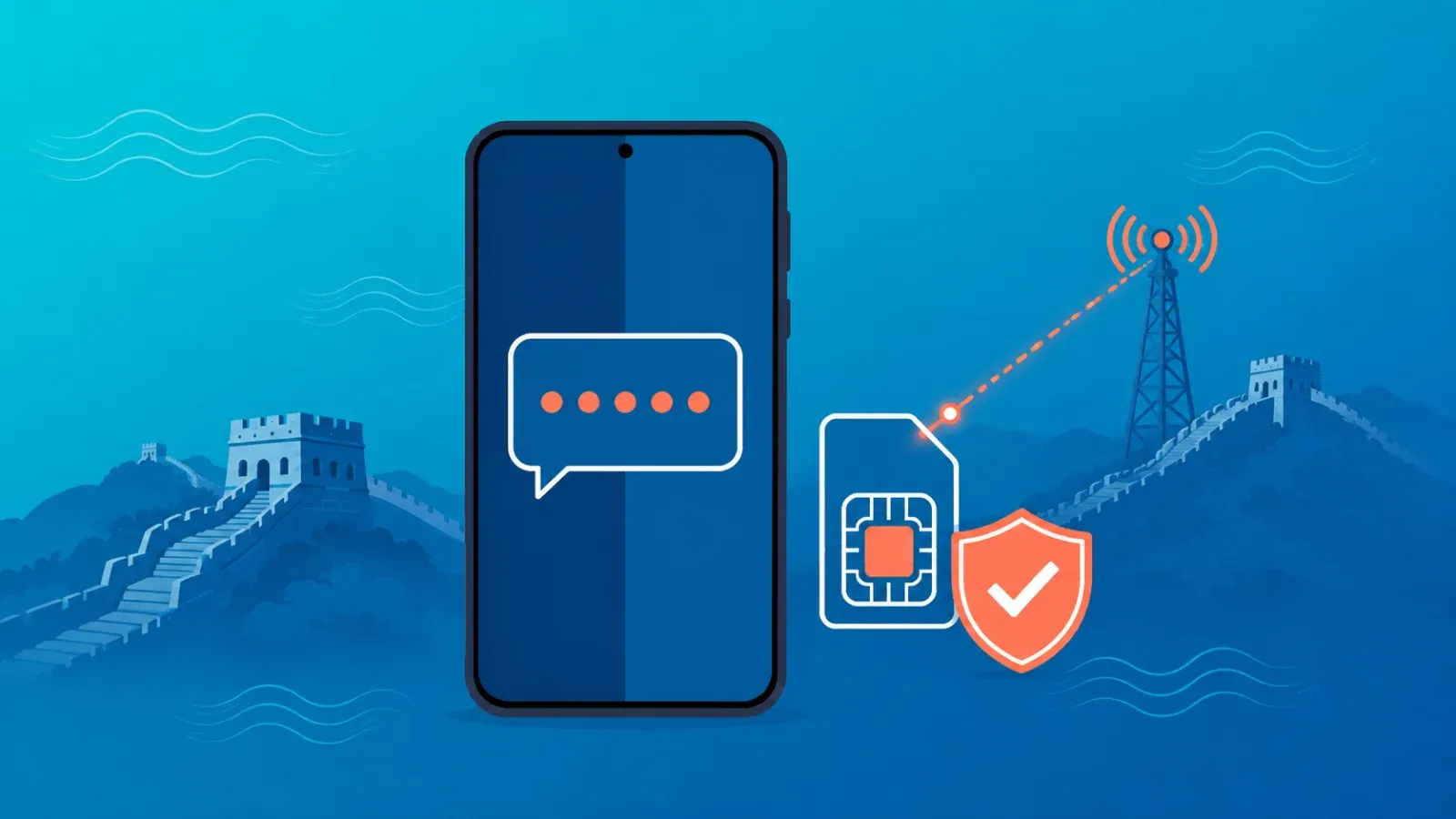
Most travel eSIMs are data-only — they have no phone number attached, so they cannot receive SMS at all, including verification codes. That is by design, not a malfunction. The fix is equally simple: keep your home SIM active in a dual SIM setup with international roaming enabled, and every two-factor authentication (2FA) code will keep arriving on your usual number while the travel eSIM quietly handles all your data. This guide explains the "why" behind it, walks through the correct configuration on iPhone and Android, maps out which login methods need SMS and which do not, and finishes with a pre-trip checklist.
Why a travel eSIM cannot receive SMS: the data-only principle
There are two fundamentally different kinds of eSIM:
- Carrier eSIMs — issued by your mobile carrier, tied to your phone number, functionally identical to a physical SIM. Calls and SMS work normally.
- Travel eSIMs (data eSIMs) — issued by international platforms as pure data plans. They connect you to local networks for internet access, but they carry no phone number, so there is no channel for SMS to arrive on.
SMS codes are addressed to a phone number. A travel eSIM has none — so those codes were never going to reach it in the first place. They still go exactly where they always did: your home number. The real question is therefore not "how do I get SMS on my eSIM?" but "how do I keep receiving SMS on my home number while abroad?" For a broader primer on eSIM types, see what is an eSIM?
The correct setup: home SIM for codes, travel eSIM for data
One sentence: leave your home SIM in the phone and enabled (data roaming off), and route all data through the travel eSIM. Two lines, two jobs, zero conflict.
| Line | Settings | Job |
|---|---|---|
| Home SIM (primary) | Enabled + international roaming active on your account + data roaming OFF | Receives SMS verification codes and important calls |
| Travel eSIM (e.g. Coral eSIM) | Enabled + set as mobile data line + data roaming ON for this line | Carries all internet traffic |
iPhone steps
- Install the travel eSIM before departure (Settings → Cellular → Add eSIM) — our eSIM setup guide has screenshots.
- After landing, enable the travel eSIM, set Cellular Data → travel eSIM, and turn on Data Roaming for that line only.
- Keep Default Voice Line → home SIM, and confirm the home line shows Data Roaming OFF while remaining enabled.
- Turn OFF "Allow Cellular Data Switching" so data never sneaks onto your home line at roaming rates.
Android steps
- Install and enable the travel eSIM (menu names vary — look under "SIMs" or "SIM manager").
- Set Mobile data → travel eSIM and Calls & SMS → home SIM.
- Data roaming: OFF on the home SIM, ON for the travel eSIM.
For the full walkthrough including what to verify with your carrier, see our dual SIM travel setup guide. And if you are weighing other strategies for keeping your number reachable — call forwarding, Wi-Fi calling, VoIP porting — the comparison lives in how to keep your phone number while traveling.
Which logins actually need SMS? A behavior map
Good news: far fewer than you think. Break your accounts down by verification method and most of them work on data alone.
| Verification scenario | What it needs | Behavior with this setup |
|---|---|---|
| WhatsApp / LINE / Telegram daily use | Data only | Works over the travel eSIM; no re-verification if number and device are unchanged |
| Banking app push approval / biometrics | Data only | Completes entirely over the travel eSIM |
| Bank or brokerage SMS one-time codes | SMS to your home number | Arrives on the home SIM as long as roaming is active on your account; receiving fees vary by carrier — check their official site |
| Authenticator apps (TOTP) | Just your device clock | Generates codes even offline — completely travel-proof |
Common misconception: "If data roaming is off, will SMS stop arriving?" No. The data roaming toggle controls data only; SMS and incoming calls travel over a separate channel and generally work with data roaming off. The real prerequisite is that international roaming service is active on your account — some carriers require an opt-in, so confirm before you fly.
Pre-departure checklist
- Confirm international roaming is enabled on your carrier account (some plans require activation or a small deposit).
- Confirm your phone supports eSIM and is unlocked — dial *#06# and look for an EID number.
- Buy and install your travel eSIM at home, on reliable Wi-Fi; activate it after landing.
- Reduce your SMS dependence: wherever a service offers an authenticator app or in-app approval, switch to it before the trip.
- Log in to critical apps once before departure — a fresh login from a foreign network is exactly what triggers extra verification checks.
FAQ
Can any eSIM receive SMS?
Yes — carrier-issued eSIMs with a phone number attached receive SMS just like a physical SIM. It is specifically travel data eSIMs that cannot. Check the product description for "voice and SMS" support before buying if you need it.
Do I need data roaming ON for my home SIM to get codes?
No. Keep it off. SMS delivery does not depend on the data roaming toggle, so you avoid surprise data charges while codes still come through.
Does receiving SMS abroad cost money?
It depends on your carrier — many do not charge for receiving texts abroad, some do. Verify the current policy on your carrier's official website; either way it is trivial compared with being locked out of your bank.
I am already abroad and codes are not arriving. What now?
Check in order: (1) the home SIM is in the phone and its line is enabled, (2) roaming is active on your account (many carriers let you enable it from their app over the eSIM's data connection), (3) toggle airplane mode to re-register on the network, (4) manually select a partner network in cellular settings. If the eSIM itself will not connect, run through the eSIM troubleshooting guide.
I will not use my home number at all — can I just remove the SIM?
Do not. While it is out, no codes or calls can reach you — and a login from an unfamiliar foreign network is precisely when services demand SMS verification. Leave it in, enabled, with data roaming off.
Travel light, stay verified
Memorize the formula: home SIM for verification codes, travel eSIM for data. With that in place, your bank, payment apps, and socials all keep working from anywhere. Coral eSIM covers 180+ countries and regions and is ready to set up the moment you buy — the whole configuration takes minutes before you leave home. Browse Coral eSIM plans for your destination.
