
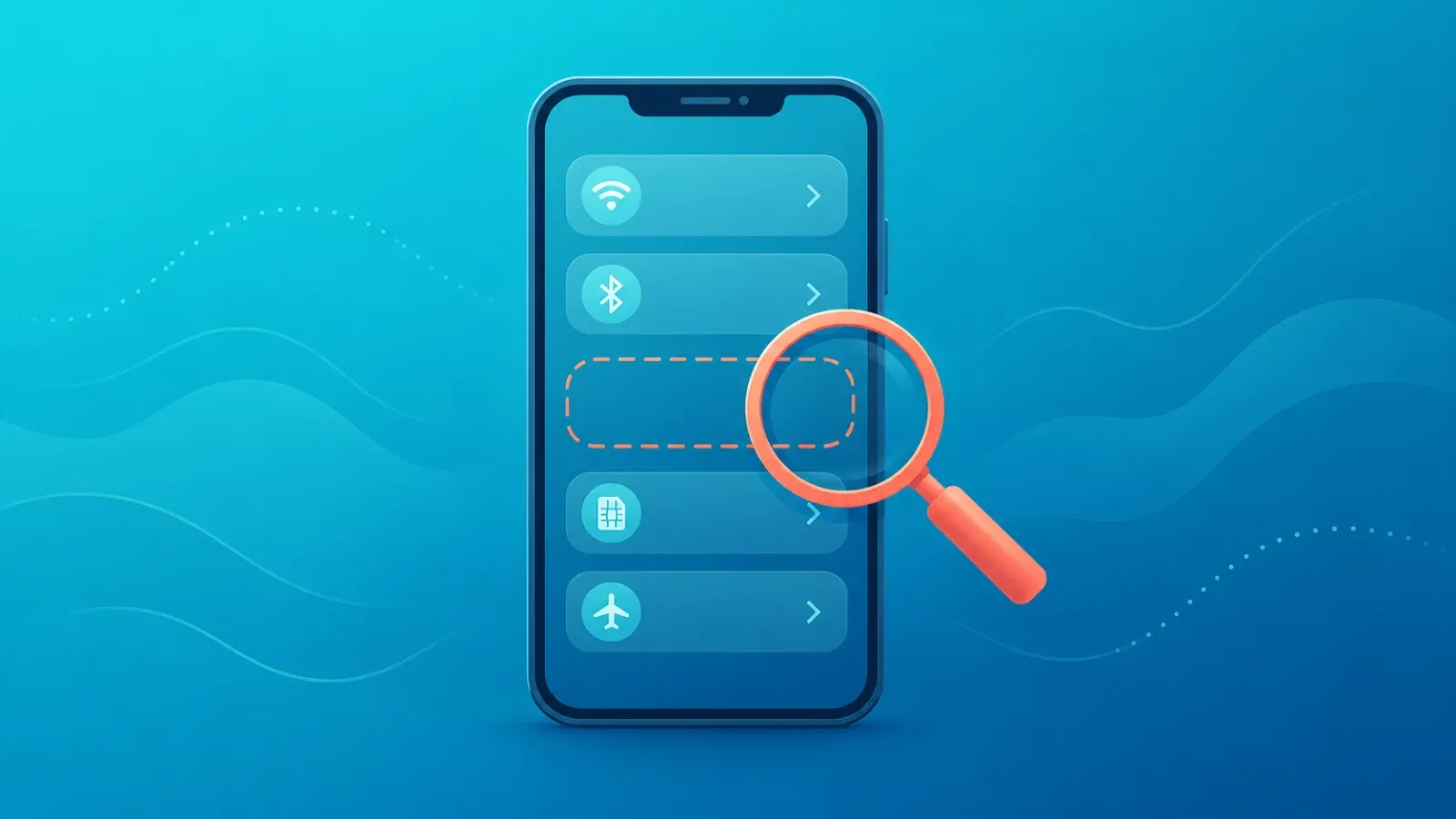
If there is no "Add eSIM" option anywhere in your settings, the cause is almost always one of four things — the phone does not support eSIM at all, the model sold in your region ships without it, a carrier version has the feature disabled, or your OS is too old. A 30-second check tells you which camp you are in before you waste time hunting through menus.
This is a different problem from a QR code that will not scan. When the menu itself is missing, the phone is telling you that a prerequisite has not been met — so the fix is on the device side, not the plan side.
The 30-second check: does your phone have an EID?
Every eSIM-capable device has an identifier called an EID. Checking for it is the fastest way to settle the question.
- Open the Phone (dialler) app.
- Type *#06# on the keypad.
- Read the information that appears on screen.
If an EID is listed — a long number, typically 32 digits — your device very likely supports eSIM, and the problem is elsewhere. If you only see an IMEI and no EID anywhere, the hardware most likely does not support eSIM.
Note that how this information is displayed varies by manufacturer and OS version. If nothing appears automatically, look for the EID under About phone or Device information in Settings before concluding anything.
Six reasons the eSIM option is missing
A. The phone simply does not support eSIM
The most common answer. Older handsets and many budget models are physical-SIM only. No EID means this is very likely your situation.
B. The regional model matters, even with the same name
This one catches a lot of people. Two phones can carry the same model name and still differ in eSIM hardware depending on the country or region they were sold in. It comes up most often with devices bought abroad, grey-market imports, and second-hand purchases.
Mainland China iPhone variants are a well-known case with their own specifics — we cover them in our guide to Chinese iPhones and eSIM.
C. A carrier version has the feature disabled
Phones sold by mobile operators sometimes restrict adding another provider's eSIM. The hardware may be capable while the menu stays hidden or the request is refused. Unlocking is often the route out of this — see unlocked phones and eSIM, and check the operator's official site for their current unlock requirements.
D. Your OS version is too old
eSIM management arrived in specific OS versions. On a device that has not been updated in a long time, the menu can be absent even though the hardware supports it. Check for a software update and install the latest version available for your model, then look again.
E. You have hit the stored-profile limit
Phones can only hold a limited number of eSIM profiles. If old ones are still installed, the option to add a new plan may be greyed out or fail. Remove profiles you no longer need — but check with the issuing provider first, since deleting a profile can be irreversible.
F. The menu is there, under a different name
Labels vary enormously between manufacturers. Instead of the word "eSIM", you may be looking for Add cellular plan, SIM manager, or SIM cards and mobile networks. Searching only for "eSIM" is why plenty of people miss an option that is actually there.
Where to look on iPhone and Android
The screen names below are representative examples. Exact wording and menu depth differ by model and OS version, so the most reliable approach is the search box inside the Settings app — try "SIM", "cellular" or "mobile".
iPhone
Open Settings and go to Cellular (called Mobile Data or Mobile Service in some regions). Look for an option to add an eSIM or a cellular plan. If no such entry exists at all, suspect an unsupported model before anything else.
Android
Open Settings and look under Network and internet, or Connections, depending on the manufacturer. From the list of SIMs there is normally an option to add one. Because layouts differ so much between brands, use the settings search rather than navigating blind.
What to do if it really is unsupported
- Use a different device. If a family member's phone or a spare handset supports eSIM, install the plan there. For data-only use, running it as a hotspot is a practical workaround.
- Consider a physical SIM. If the hardware cannot do eSIM, a local physical SIM is the dependable option.
- Factor it into your next upgrade. If you are replacing your phone soon, make eSIM support a requirement — it makes every future trip simpler.
- Check compatibility before you buy a plan. Confirming device support with the seller first avoids paying for something you cannot install.
If you did find the menu but the install fails partway, our guide to eSIM activation failures covers that stage.
FAQ
No EID means eSIM is definitely impossible?
Not definitively — some devices simply do not show it via the dialler. Check About phone in Settings as well. If it is absent in both places, treating the device as unsupported is reasonable. For a firm answer, consult the manufacturer's official specifications.
Will updating the OS give me the eSIM option?
Yes, if capable hardware was held back only by an old OS version. If the hardware lacks eSIM support, no update will make the menu appear.
Can I use an eSIM on a second-hand phone?
Yes, provided the model supports it and the phone is unlocked. With used devices, watch for regional model differences and leftover profiles from the previous owner — confirm both at the point of purchase.
My phone says dual SIM. Does that mean eSIM?
Not necessarily. Some dual SIM phones take two physical cards. Checking for an EID is the reliable test.
The option exists but I cannot add a plan. What now?
Then device support is not your problem — look at your internet connection, carrier lock status, or the QR code itself. Start with activation troubleshooting.
Got a compatible phone? Coral eSIM is ready
Coral eSIM covers more than 180 countries and regions and can be set up the moment you buy. Install before you leave and your data works as soon as you land.
