
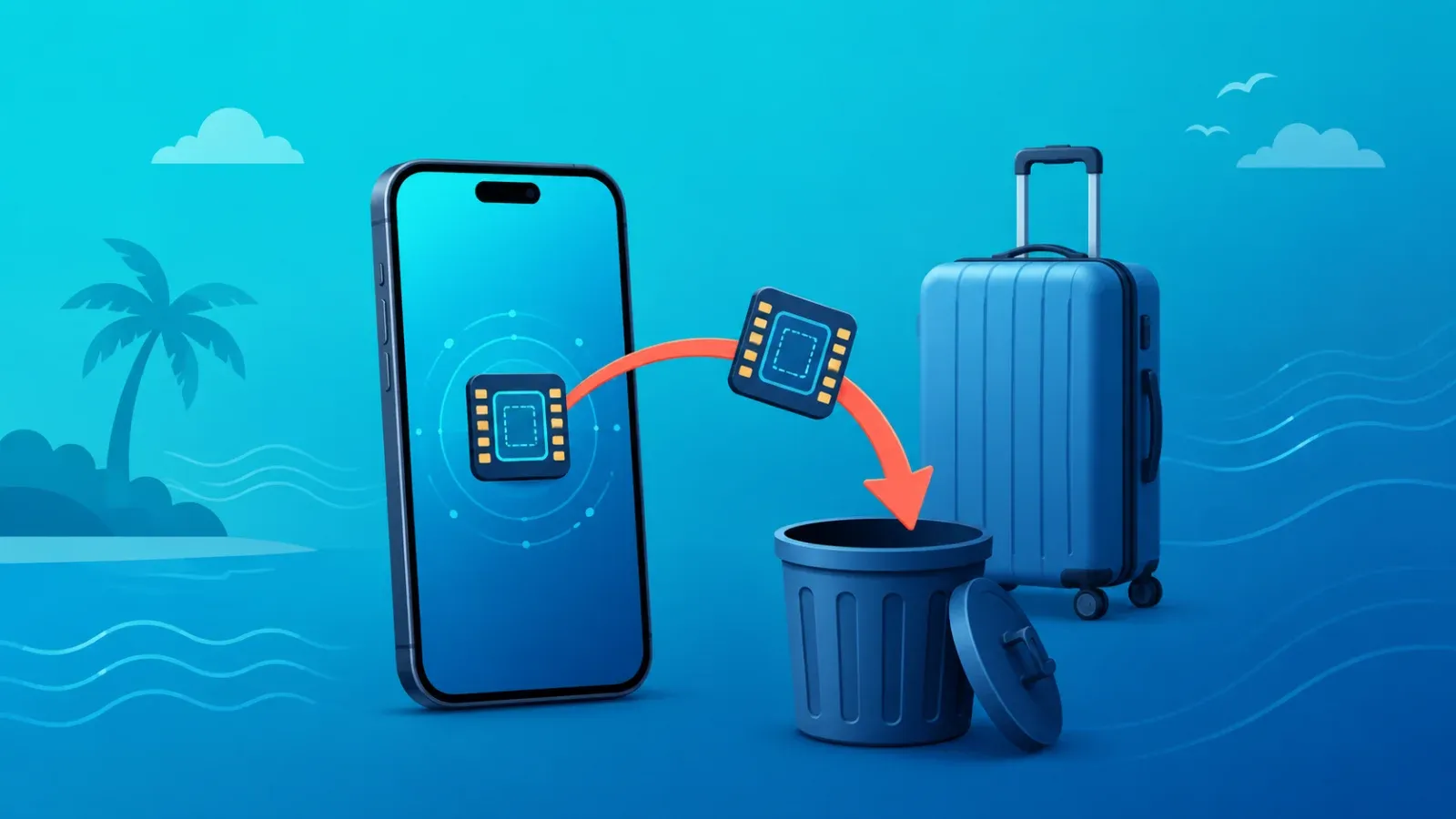
Yes, you can delete your travel eSIM after your trip — and once the plan has expired, there is almost no reason to keep it on your phone. But before you tap delete, run three quick checks: whether the plan still has data or validity left, whether your provider lets you top it up for a future trip, and whether you are heading back to the same region soon. With most providers, deleting a used travel eSIM is permanent: the QR code that installed it will not work a second time.
Check these three things before you delete
Deleting an eSIM takes ten seconds. Undoing it is usually impossible. So spend one minute on this checklist first.
1. Is the plan really finished?
Open your provider's app or dashboard and check two numbers: remaining data and remaining validity. Many travel eSIMs run on a "valid for X days after activation" model, so it is entirely possible to land back home with days of validity — and gigabytes of data — still on the plan. If you have a layover coming up, a follow-up trip, or any chance of using the plan again before it expires, keep it installed until the clock actually runs out. Validity rules differ from plan to plan, so if you are not sure how the countdown works, see our guide to how eSIM validity and day counting actually work.
2. Can the plan be topped up?
Some providers let you buy additional data on an eSIM that is already installed, which turns a "used" profile into a reusable one. If your plan supports top-ups, keeping the profile on your phone means your next trip to the same region could be as simple as buying more data — no new QR code, no new installation. Top-up rules vary widely, and some providers only allow them while the profile is still installed, so check your provider's policy before you delete anything.
3. Are you going back to the same region soon?
If you have a return trip booked within the next few weeks and your plan is top-up friendly, there is a real argument for keeping the eSIM. If you have no concrete plans, the honest answer is that an expired travel eSIM is just clutter. Delete it and keep your line list clean.
The one-way door: why deleting is usually permanent
This is the single most important thing to understand. The common industry rule for travel eSIMs is one QR code, one installation. Once a profile has been activated and then deleted from your device, scanning the same QR code again will not bring it back with most providers. There is no recycle bin for eSIM profiles. That is why we recommend deleting only when you are certain the plan is finished — and why, if you accidentally delete a plan that still had validity, your only real option is to contact the provider's support and ask whether they can reissue it. We cover that situation in detail in what to do when your eSIM QR code is lost or will not work.
What actually happens if you just keep it?
Here is the honest version, because much of the advice online overstates the stakes. An expired eSIM profile that stays on your phone is essentially an empty shell: it cannot connect to a network, it does not transmit anything, and it is not a security risk in itself. The downsides are practical, not dangerous.
| Factor | If you keep it | If you delete it |
|---|---|---|
| Line list | Extra inactive lines clutter your settings | Clean list, harder to pick the wrong line |
| Accidental selection | Possible to route data or calls to a dead line by mistake | Not possible |
| Future top-up or reuse | Preserved, if your provider supports it | Gone for good with most providers |
| Security | No meaningful risk | No meaningful risk |
| eSIM storage slots | Occupies one of your phone's limited profile slots | Slot freed up |
One detail worth knowing: phones can only store a limited number of eSIM profiles. If you travel often and never delete anything, you will eventually hit that ceiling at the worst possible moment — while trying to install a new eSIM at an airport.
How to delete a travel eSIM
The exact wording varies by model and OS version, but the flow is the same everywhere.
- On iPhone: go to Settings, then Cellular (or Mobile Service), tap the travel eSIM in your list of plans, and choose Delete eSIM.
- On Android: go to Settings, then Network and internet, then SIMs, select the travel eSIM, and choose Erase or Delete SIM.
- Confirm the deletion. Your phone will warn you that this removes the plan — that warning is accurate, so make sure you have finished the checklist above.
Reset your settings when you get home
Deleting the profile is only half of the post-trip cleanup. Before you left, you probably changed a few settings — now is the time to put them back.
- Switch mobile data back to your primary line. If you forget this after deleting the travel eSIM, your phone may sit with no working data line and you will wonder why nothing loads.
- Check your default voice and messaging line. If you ran a dual-SIM setup abroad, make sure calls and texts route through your home number again. Our dual SIM setup guide for travel covers how these defaults interact.
- Review data roaming. Any roaming toggle you changed on your home line for the trip should go back to your normal preference to avoid surprise charges.
- Clean up APN leftovers. If you configured an APN manually on Android, delete the unused entry; on iPhone, remove any configuration profile you installed under Settings, General, VPN and Device Management.
Deleting is not the same as transferring
One last distinction that trips people up: deleting an eSIM because the trip is over is completely different from moving an active eSIM to a new phone. Transfers use dedicated mechanisms (like eSIM quick transfer) and depend on device and provider support — deleting a profile on your old phone does not magically make it appear on the new one. If you are upgrading phones and want to keep an active plan, read how to transfer an eSIM to a new phone before touching anything. An expired travel eSIM, on the other hand, is not worth transferring: delete it before you switch devices.
Frequently asked questions
Do I need to delete an eSIM after my trip?
No, it is optional. An expired travel eSIM is not a security risk and, for typical prepaid plans, costs nothing to keep. But it also does nothing useful, so unless your plan can be topped up or is still within its validity window, deleting it is the tidier choice.
Will deleting an eSIM delete my data?
No. Deleting an eSIM only removes the connectivity profile from your phone. Your photos, contacts, apps, messages, and everything else stored on the device are completely unaffected.
Can I get the eSIM back after deleting it?
With most providers, no. A used travel eSIM profile cannot be reinstalled from the same QR code once it has been deleted. If you deleted a plan that still had data or validity, contact your provider's support team — some can reissue a profile, but treat that as the exception, not the rule.
Should I turn off the eSIM instead of deleting it?
Turning the line off is a perfectly good middle ground. A disabled eSIM cannot use any data, and you keep the option to top it up or reactivate it later if your provider allows it. A sensible rule of thumb: turn it off while the plan still has validity, delete it once the plan is truly finished.
Does keeping an expired eSIM cost anything?
For prepaid travel eSIMs, usually not — the plan simply sits there, expired and inactive. Billing models do vary, though, so if your eSIM came with any kind of subscription or auto-renewal, check your provider's terms and disable renewal before you forget about it.
Planning your next trip already? With Coral eSIM you can pick a destination, install a fresh eSIM in minutes, and land with data working — so the post-trip cleanup stays this simple every time.
