
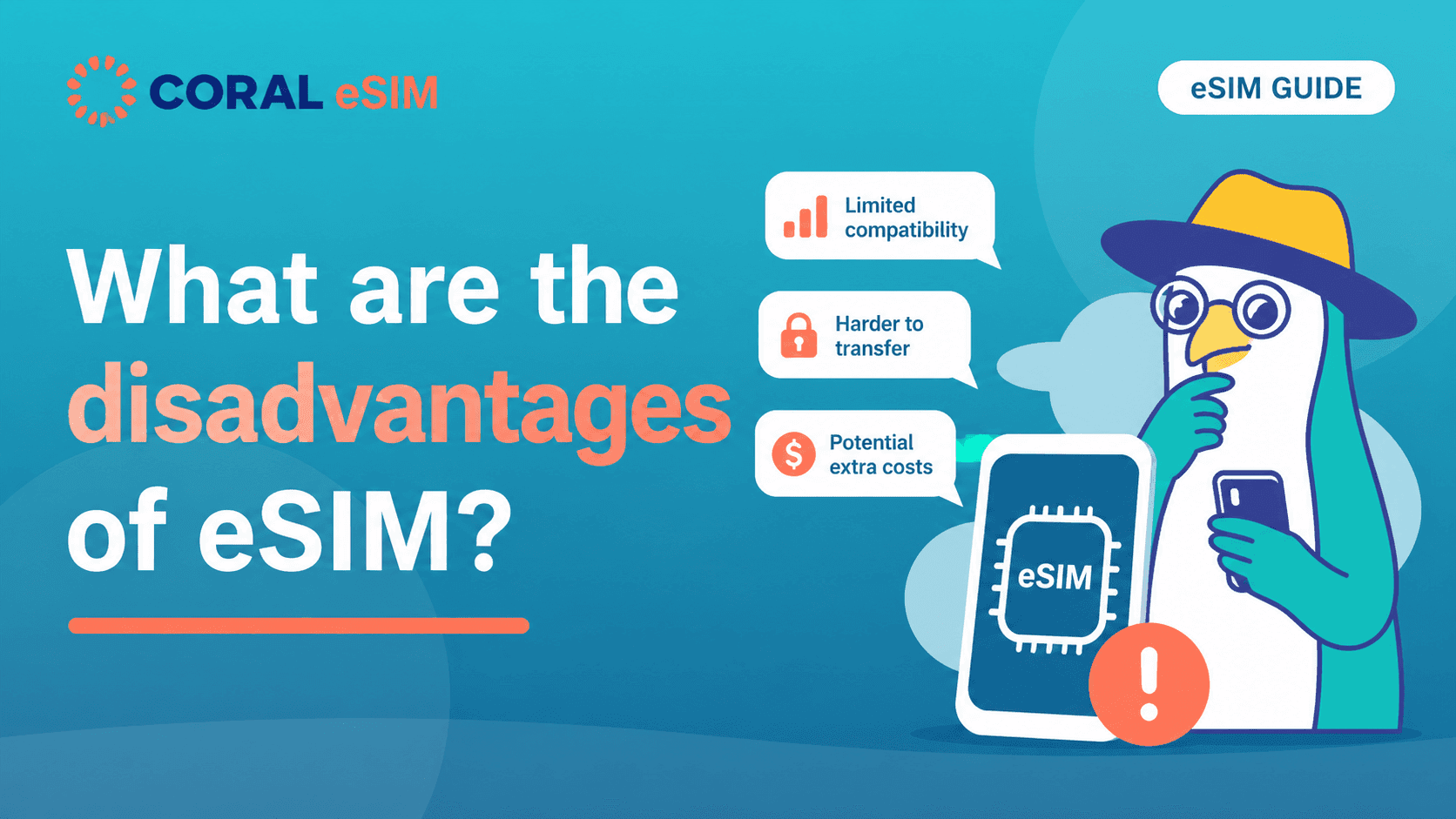
You've heard that eSIMs are convenient — but what's the catch? It's a fair question, and the honest answer is that eSIMs do have real drawbacks that can catch you off guard. This article lists all of them upfront, explains how to avoid each one, and tells you plainly who shouldn't use an eSIM. By the end, you'll know whether an eSIM is the right choice for your trip.
All 8 eSIM Disadvantages at a Glance
Here is the full list. The key thing to know: 7 of the 8 are avoidable if you know about them in advance. Only the first one has no workaround.
- Not all phones support eSIM (the only drawback with no fix)
- Carrier-locked phones can't use travel eSIMs — check and unlock beforehand
- You have to set it up yourself — takes 5–10 minutes if done before departure
- Installation requires an internet connection — install on home Wi-Fi
- It usually can't be transferred to a new phone — upgrade first, then buy
- Deleting it is often irreversible — don't remove it until it expires
- Data-only plans have no phone number — solved with app calls + dual SIM
- Misconfigured lines cause most "eSIM failures" — learn the 3-step arrival setup
Carrier eSIM Plans vs. Prepaid Travel eSIMs: Different Drawbacks
Much of what's written about eSIM disadvantages assumes you're moving your main carrier contract to an eSIM. Complaints like "reissuing costs a fee" or "switching carriers is a hassle" belong to that world — they mostly don't apply to prepaid travel eSIMs. A travel eSIM is a one-time purchase with no contract to manage and nothing to cancel: use it, let it expire, delete it.
What travel eSIMs do have is a different set of pitfalls — the ones that determine whether you get online smoothly the moment you land. That's what the rest of this article focuses on.
The 8 Disadvantages of Using an eSIM, Explained
1. Not all phones support eSIM — the only one you can't fix
An eSIM is built into the phone itself, so an unsupported device simply can't use one. Most iPhones from the XS/XR onward support eSIM, but Android support varies widely by manufacturer, model, and even the region where the phone was sold.
How to check: open your phone's dialer and enter *#06#. If an EID number appears, your phone supports eSIM. It takes one minute — always do this before buying. If your phone isn't supported, a physical SIM or pocket Wi-Fi is your alternative.
eSIM-Compatible Devices: How to Check Your Phone in One Minute
2. Carrier-locked phones can't use travel eSIMs
Even if your phone supports eSIM, a carrier lock will block any foreign eSIM from working. This is common with phones bought on installment plans.
How to avoid it: check your lock status in your phone's settings (on iPhone: Settings > General > About > Carrier Lock). If it's locked, contact your carrier — most will unlock it for free once the device is paid off. Do this well before your departure date.
3. You have to set it up yourself
There's no card to insert and no store clerk to hand it to. You scan a QR code and install a profile on your own, which can feel intimidating if you're not comfortable with phone settings.
How to avoid trouble: the process takes 5–10 minutes and mostly consists of following on-screen prompts. The single most important tip: do it at home before you leave, not at the destination airport. In a calm environment, it's far easier than it sounds.
How to Set Up a Travel eSIM: Step-by-Step Guide for iPhone and Android
4. Installation requires an internet connection
The eSIM profile is downloaded online, so you need Wi-Fi or another connection at the moment of installation. Planning to "sort it out on airport Wi-Fi after landing" is how travelers end up stuck.
How to avoid it: install on your home Wi-Fi before departure. Most travel eSIMs don't start their validity period at installation — the clock starts when the eSIM first connects to a local network, so installing early costs you nothing.
5. It usually can't be transferred to a new phone
Unlike a physical SIM, an eSIM can't be popped out and moved. A prepaid travel eSIM is generally tied to the device it was first installed on. Upgrade your phone right before a trip and your eSIM may become unusable.
How to avoid it: if a phone upgrade is coming, switch devices first, then buy the eSIM. Getting the order right eliminates this problem entirely.
6. Deleting it is often irreversible
Remove the eSIM profile from your phone and you may not be able to reinstall it. Delete it mid-trip by accident and the remaining days are gone.
How to avoid it: never delete the profile during your trip. There's no rush afterward either — wait until the plan expires, then delete it.
7. Data-only plans have no phone number
Most travel eSIMs are data-only, meaning no local number for regular calls or SMS. That can be inconvenient when a restaurant wants a phone number for a booking.
How to work around it: WhatsApp, FaceTime, and other app-based calls work fine over data — that covers nearly all travel communication. And with dual SIM, you can keep your home SIM active alongside the eSIM, so you can still receive calls and SMS verification codes on your usual number (check your carrier's roaming rates for receiving texts before you go).
8. Misconfigured lines cause most "eSIM failures"
Most bad eSIM experiences aren't caused by the eSIM at all — they're caused by line settings. The two classic failures: leaving your home SIM's data roaming on and coming home to a huge roaming bill, or missing a setting on the eSIM side and having no connection on arrival.
How to avoid it: when you land, do three things — turn off mobile data and roaming on your home SIM, turn the travel eSIM on, and set it as your data line. And remember: a prepaid eSIM is pay-as-you-go, so it can never charge you more than you paid.
Travel eSIM Not Working? A Checklist for iPhone and Android
Who Shouldn't Use an eSIM — and Who Should
Based on everything above, here's the honest breakdown.
You should skip the eSIM if:
- Your phone doesn't support eSIM (no way around it)
- You strongly prefer someone else to handle everything — a rental pocket Wi-Fi you just switch on may suit you better
- Your whole group stays together at all times and one shared connection is enough
An eSIM is a great fit if:
- Your phone supports eSIM and you can spare 10 minutes before departure
- You want to keep costs down
- You'd rather not deal with picking up, charging, and returning a rental router
- Your group splits up during the day (each person needs their own connection)
If you're in the second group, every drawback on this list can be neutralized with preparation — there's little reason not to choose an eSIM.
Frequently Asked Questions About Using an eSIM
Why do some people say you shouldn't use an eSIM?
The two most common reasons: the setup looks difficult, and it can't be moved to a new phone. For prepaid travel eSIMs, both are solved by setting up before departure (5–10 minutes) and buying after any phone upgrade, not before.
Are eSIMs a security risk?
In several ways they're safer than physical SIMs: there's no card to lose, steal, or swap out, and the profile can't easily be cloned. The real security risk while traveling is unencrypted public Wi-Fi — which an eSIM helps you avoid.
What happens if my phone breaks or is lost during the trip?
Because a prepaid eSIM is tied to the device, it generally becomes unusable along with the phone. If this worries you, check whether your eSIM provider's support team can reissue a profile before you buy.
What do I do with the eSIM after the trip?
Set your data line back to your home SIM and switch the travel eSIM off. You can delete the profile once it has expired — there's no need to do it right away.
Most eSIM Drawbacks Disappear With 10 Minutes of Prep
Of the eight disadvantages, only one — an unsupported phone — can't be fixed. Everything else comes down to a simple routine: check compatibility, install before departure, switch lines on arrival. In exchange, you land with no SIM cards to swap, no counters to queue at, and a connection that's ready the moment you switch it on. If you're trying an eSIM for your next trip, take a look at Coral eSIM, available in over 180 countries and regions and ready to install right after purchase.
